Input
Use two separate, clear portraits
Choose front-facing source photos where each person is visible without heavy obstruction. The quiz provides one slot for each person.

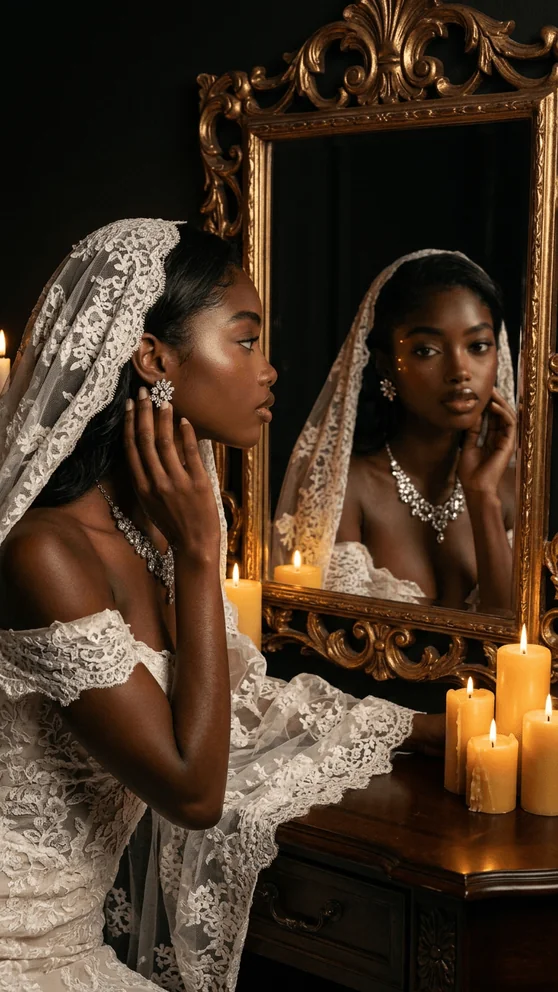
Glow Wedding Portraits
Choose an aesthetic, add you and your partner, and preview the wedding direction in Glow.
Selected work
Each direction below is available in Glow’s current wedding collection.



How it works
The dedicated quiz moves from scene selection to two source portraits and a personalized preview.
Pick the scene direction that feels closest to the wedding moment you want to preview.
Provide a clear, front-facing portrait of you and one of your partner, or continue with the sample-preview option.
Let the quiz prepare the selected direction, review the preview, and decide whether to continue in Glow.
Input · consent · privacy
Two-person generation carries an extra responsibility: both people should understand and approve how their images will be used.
Input
Choose front-facing source photos where each person is visible without heavy obstruction. The quiz provides one slot for each person.
Consent
Both people should agree to the upload and AI-generated wedding use. Do not submit a partner’s portrait without their permission.
Privacy
When you continue with personal photos, they may be processed by AI and storage providers. Glow’s policy explains retention, account history, and deletion requests.
Read the Privacy PolicyQuestions
Yes. The dedicated wedding flow asks for one portrait of you and one portrait of your partner. It also includes a sample-preview path if you are not ready to add personal photos.
Yes. The quiz begins with wedding aesthetic choices, then uses the selected direction when preparing the preview.
Use clear, front-facing portraits with each face visible. Choose images that you have the right and both people’s permission to upload.
No relationship status is required by the creative flow, but both depicted people must authorize the use of their photos and likenesses.
Create with Glow
Start with a wedding direction, then add two portraits with permission from both people.
Start the wedding quiz