Input
Use a visible portrait subject
Choose a source photo where the face and silhouette are readable. Busy obstructions can make the intended portrait subject less clear.

Glow Monochrome Portraits
Open Monochrome Studio Glow, add a source image, and review the generated portrait in Glow.
Selected work
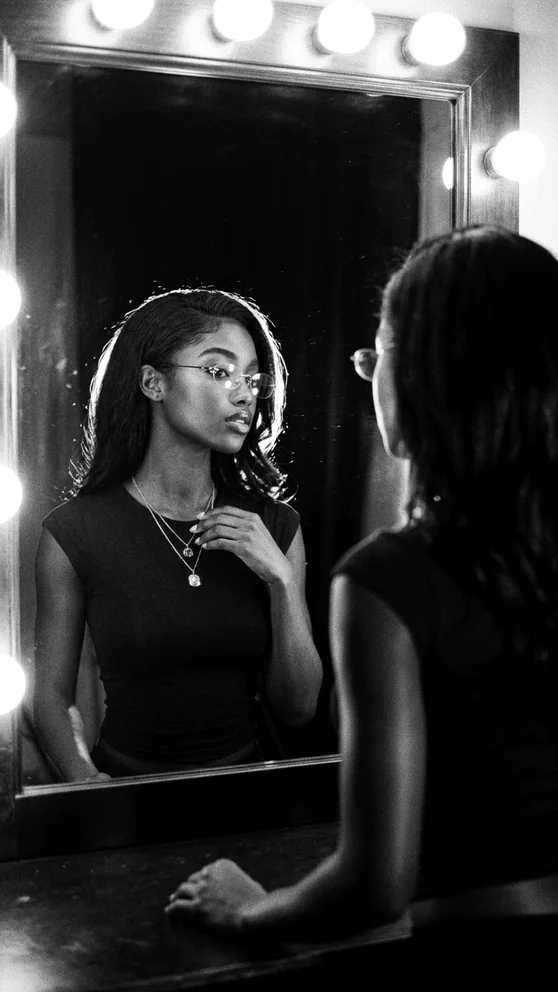
Explore current monochrome directions for studio, reflection, movement, and rain-lit portraits.




How it works
The primary action opens the canonical Monochrome Studio Glow template so the selected direction remains explicit.
Use the primary action to open the canonical template with the monochrome campaign attribution preserved.
Upload the photo you want to use and confirm the input shown by the template.
Start the portrait generation, then inspect the completed black-and-white result in Glow.
Input · consent · privacy
Start from a source photo you are allowed to use and where the intended portrait subject is easy to identify.
Input
Choose a source photo where the face and silhouette are readable. Busy obstructions can make the intended portrait subject less clear.
Consent
Only generate from a portrait you own or have permission to use. Do not submit another person’s likeness without their agreement.
Privacy
Source photos may be sent to AI processing and storage providers, while generated results may be saved to private account history. See the full policy for retention and request options.
Read the Privacy PolicyQuestions
The primary action opens the canonical Monochrome Studio Glow template, identified in the active production catalog as q0dyzn8vw76dqxvrf54d65om.
Use a portrait where the intended subject is visible and recognizable. Make sure you own the photo or have permission to use the person’s likeness.
This landing page and its main action are specifically tied to Glow’s Monochrome Studio direction, which is presented as a black-and-white portrait template.
Glow presents the result when generation completes and can save generated results to your private account history for later access.
Create with Glow
Add one authorized portrait source and keep the selected black-and-white direction explicit.
Open Monochrome Studio